In this article Why You Need to Know How to Manage Inventory Effectively Core Inventory Management...
In this article
- What Is Multichannel Ecommerce Software?
- What Features Should the Best Multichannel Ecommerce Software Have?
- How to Choose the Best Multichannel Ecommerce Software for Your Business
- Which Type of Multichannel Ecommerce Software Do You Need?
- How Multichannel Software Improves Inventory and Financial Visibility
- Best Multichannel Ecommerce Software: What Should You Compare?
- Is NeonPanel the Right Solution for Your Multichannel Ecommerce Operations?
- FAQ
Selling through several channels brings in more customers and a lot more bookkeeping. Orders, stock levels, marketplace fees, refunds, and financial reports end up in different systems. Without a reliable way to connect them, teams spend more time reconciling data than using it.
If you are asking what is the best multichannel ecommerce software, the answer depends on how your business sells and which processes have to share data. Some companies need tools for listings and orders. Others need accurate inventory records, cost tracking, and financial reporting across every channel. Knowing which group you belong to helps you pick a setup that supports growth without piling on complexity.
What Is Multichannel Ecommerce Software?
Multichannel ecommerce software helps businesses manage and coordinate work across several sales channels, including online marketplaces, ecommerce websites, and other digital storefronts. Depending on the product, it can centralize product information, synchronize inventory, process orders, or consolidate operational and financial data.
A practical multichannel selling ecommerce definition separates two things: selling through several channels, and running those channels through connected systems. A business can sell on Amazon and Shopify at the same time and still have no unified process behind them. Multichannel selling software connects selected activities so that teams work from the same information.
Different tools cover different parts of the workflow:
- Channel management tools handle product listings, pricing, and channel-specific details.
- Inventory and order management systems coordinate stock availability, fulfillment information, and order processing.
- Accounting and financial tools organize sales transactions, marketplace fees, refunds, cost of goods sold (COGS), and reporting.
- Analytics and forecasting tools show sales trends, stock requirements, and financial performance.
These categories overlap in places, and each one still has gaps. A listing management tool may offer little financial reconciliation, and accounting software usually has no control over listings or fulfillment workflows.
Before choosing a solution, list which processes need to share data and which system will own each task.
What Features Should the Best Multichannel Ecommerce Software Have?
The most useful features depend on your product range, sales volume, fulfillment model, and reporting requirements. A few capabilities deserve attention in almost any growing ecommerce operation.
Sales Channel Integration
Sales channel integration links the systems where sales happen with the tools that manage inventory, accounting, and performance. Without it, teams export reports, upload spreadsheets, and copy figures between platforms by hand.
When you assess an integration, check which data it supports, how often it updates, and whether it handles refunds, cancellations, fees, and other adjustments. A connection that imports sales totals and skips transaction details leaves holes in reporting.
Also confirm that the software supports the exact channels and account types you use. The number of advertised integrations matters less than whether the data you need moves reliably between your real systems.
Inventory Synchronization
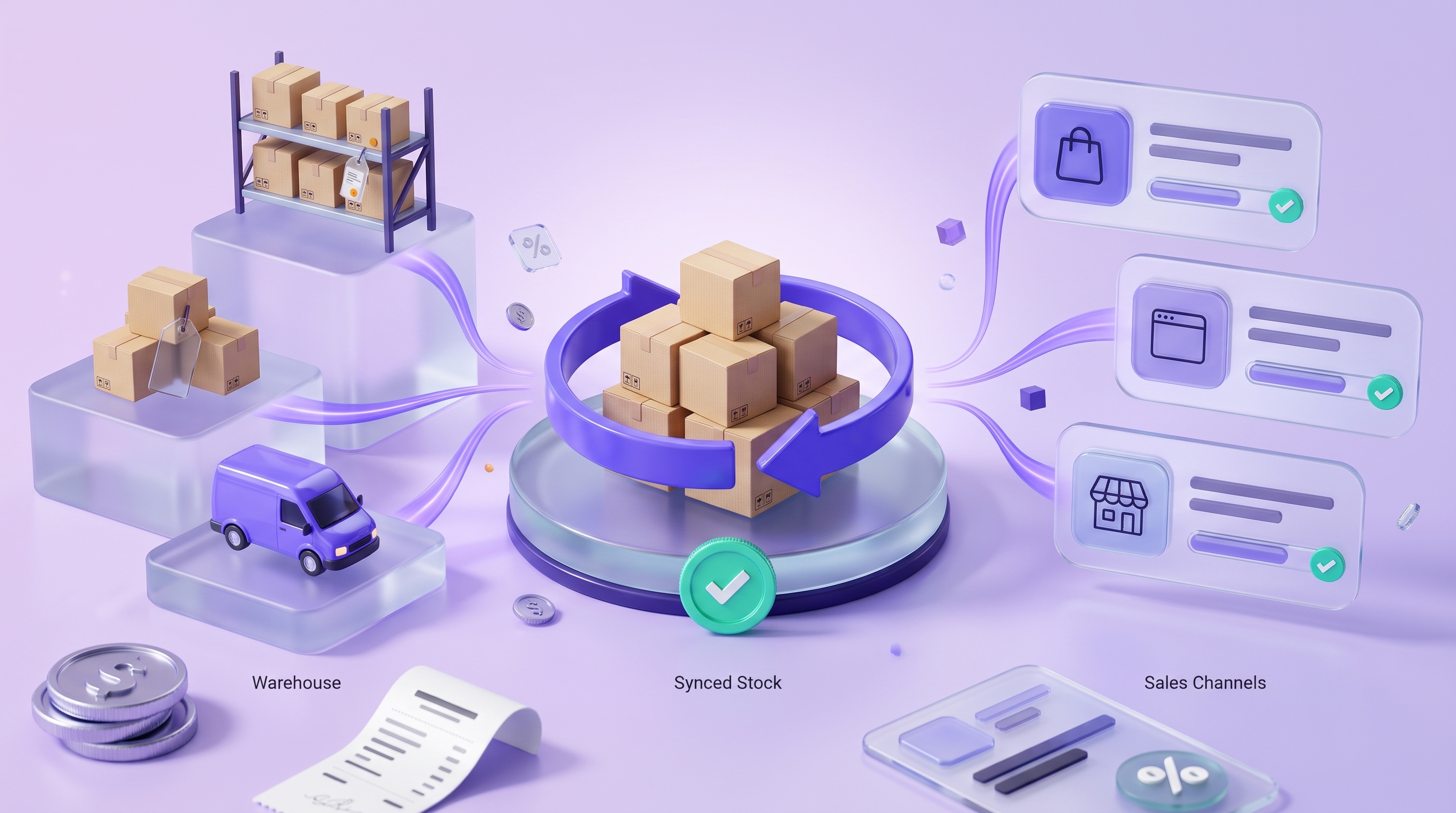
Inventory synchronization keeps stock figures aligned across locations and sales channels. When a product sells in one place, you need an accurate count of what remains so you can avoid overselling. Centralized inventory management gives the whole team a single source for those counts.
Useful capabilities include:
- Tracking stock across warehouses, fulfillment centers, and third-party logistics providers.
- Recording receipts, transfers, returns, and inventory adjustments.
- Linking product quantities to the right SKU or inventory record.
- Flagging low-stock items and upcoming replenishment needs.
- Keeping inventory records consistent for operations and financial reporting.
Scope varies from product to product. Some tools track only available quantities, while others also follow purchase orders, shipment movements, and inventory costs.
Businesses that need deeper stock visibility can look at inventory management across sales channels to see how inventory data connects with fulfillment activity and accounting records.
Multichannel Order Management
Multichannel order management brings order information into one coordinated workflow. Depending on the platform, that covers order routing, fulfillment status, cancellations, returns, and communication between sales channels and warehouse systems.
It pays off most for businesses with high order volume or several fulfillment methods. Teams need to see which orders require action, which have shipped, and whether inventory records reflect the latest movements.
Order management and order accounting are separate requirements. A system can coordinate fulfillment and still produce incomplete financial records, so evaluate operational workflows and reporting needs side by side.
Ecommerce Accounting and Financial Reporting
Financial reporting gets harder when revenue, fees, refunds, and payouts come from different channels. Recorded sales rarely match the cash that lands in the bank, because marketplaces deduct fees, apply adjustments, and settle on different schedules.
Good accounting features help you categorize transactions, reconcile settlements, record expenses, and calculate COGS. They should also account for freight, duties, preparation costs, and other parts of landed cost.
For companies that need dependable books across several channels, ecommerce accounting automation connects marketplace activity to structured accounting entries and financial reports. The level of detail depends on the connected channels and the cost data available.
How to Choose the Best Multichannel Ecommerce Software for Your Business
Start from the operational problems you need to solve and set the vendor’s feature list aside for now. The best multichannel selling tools for ecommerce address your real bottlenecks and fit into your existing technology stack. The best multichannel ecommerce software for a ten-SKU shop looks very different from the right pick for a brand with five warehouses.
Use these criteria to compare options:
- Map your sales channels. List every marketplace, storefront, warehouse, and accounting system in your workflow.
- Identify data gaps. Find where information is duplicated, delayed, missing, or inconsistent.
- Prioritize essential workflows. Decide whether your main need is listing management, inventory control, order processing, financial reconciliation, or forecasting.
- Check integration depth. Confirm which records synchronize, whether updates are automated, and how exceptions are handled.
- Assess reporting capabilities. See whether the system delivers the inventory and financial detail your decisions require.
- Estimate total cost. Include subscription fees, implementation, integrations, staff training, and ongoing maintenance.
- Test with real workflows. Run representative transactions, including refunds, inventory transfers, and marketplace fees, before you commit.
A small retailer on two channels may only need basic stock synchronization and straightforward accounting. A growing brand with several warehouses may need purchase order tracking, shipment-level inventory visibility, and detailed cost calculations.
Whatever you pick should solve today’s problem and leave room for more channels, SKUs, and transaction volume.
Which Type of Multichannel Ecommerce Software Do You Need?
A single all-in-one platform is not always the answer. A set of specialized tools often covers more ground than one product that supports every workflow only in part. Ecommerce channel management, inventory control, accounting, and forecasting each solve a different problem.
| Software category | Main purpose | Best suited for |
|---|---|---|
| Ecommerce channel management | Coordinates listings and channel-specific product information | Sellers managing products across several storefronts |
| Inventory and order management | Tracks stock, orders, and fulfillment workflows | Businesses handling many SKUs, orders, or locations |
| Ecommerce accounting | Organizes transactions, fees, refunds, and financial records | Sellers who need consistent books across channels |
| Analytics and forecasting | Evaluates demand, stock requirements, and performance | Businesses planning replenishment and monitoring profitability |
When you compare the best ecommerce platform for multichannel selling, first decide what you are buying. One option is a multichannel ecommerce platform that runs the sales channels themselves. The other is a supporting system that connects operational and financial information.
These are different buying decisions. A business that wants to publish listings and route orders should put channel and order management first. A seller struggling to reconcile payouts or calculate product costs should focus on accounting and inventory data.
The best ecommerce platforms multichannel selling businesses consider will rarely cover every category. Judge each product against the workflow it is supposed to own, and confirm that the chosen tools can exchange the data they need.
How Multichannel Software Improves Inventory and Financial Visibility
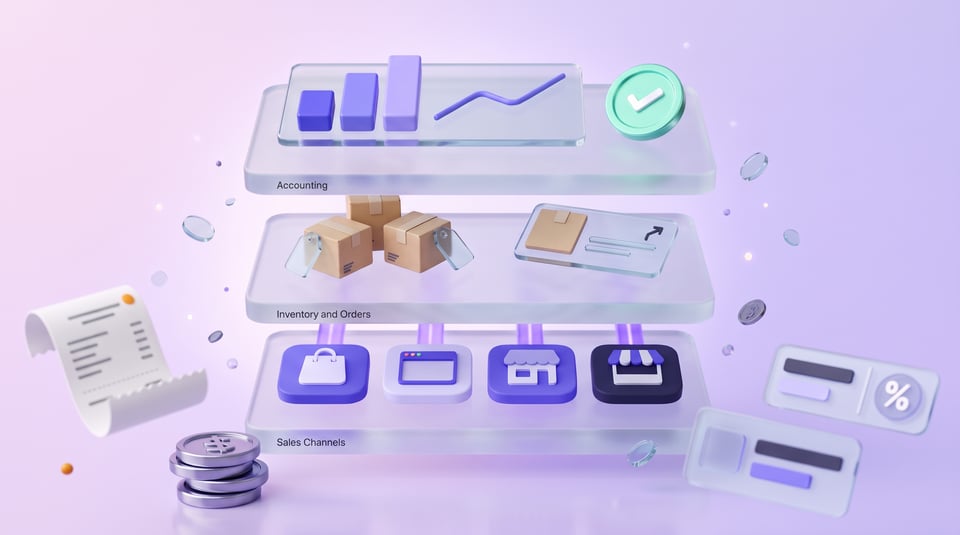
Inventory movements and financial results are tied together. A sale changes available stock, revenue, fees, and COGS. A return can change inventory, refunds, and financial records. When each system records only part of the event, discrepancies are hard to trace.
Take a brand selling the same product on Amazon and Shopify. It receives a shipment, sells units on both channels, and pays freight and import duties. If stock records are disconnected, the team cannot say how much inventory is left. If costs are recorded as a general average, the product margin will not match what the incoming goods actually cost.
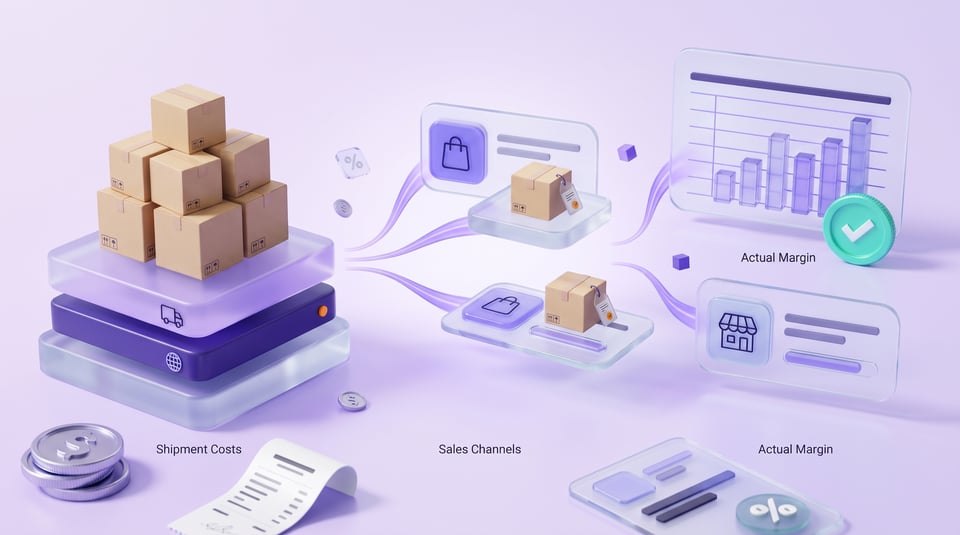
A connected workflow helps the business:
- Track inventory across supported locations and fulfillment networks.
- Match sales with the relevant product costs.
- Record marketplace fees and refunds in financial reports.
- Compare revenue and expenses across channels.
- Spot replenishment needs using demand and inventory data.
Forecasting improves with consolidated data too. Separate channel reports can understate total demand for a product, which leads to poor replenishment decisions. This guide to cross-channel inventory forecasting shows how combining demand signals supports stock planning and lowers the risk of shortages and excess inventory.
NeonPanel connects supported ecommerce data with inventory, accounting, and forecasting workflows. Its integrations include Amazon, Shopify, QuickBooks Online, and Xero. Depending on the configuration, businesses can use it to reconcile settlements, post accounting entries, track COGS, and see inventory costs more clearly.
Multichannel selling software differs a lot from one product to the next. Inventory synchronization, order routing, accounting automation, and demand forecasting each deserve a separate evaluation, even when one solution claims to cover several of them.
Best Multichannel Ecommerce Software: What Should You Compare?
A useful comparison measures each option against the requirements you identified earlier. A long feature list or a high integration count says little by itself.
Use one checklist for every candidate when you review best multichannel ecommerce software platforms:
- Channel coverage: does the product support the marketplaces and storefronts you use?
- Data accuracy: can you trace inventory movements and financial entries back to their source?
- Automation: which repetitive tasks run automatically, and which still need manual work?
- Inventory detail: does the tool track only stock quantities, or also purchase orders, shipments, and landed costs?
- Financial visibility: can you reconcile settlements and see COGS and channel-level performance?
- Scalability: will the setup stay practical as order volume, product range, and warehouse complexity grow?
- Total cost of ownership: are the required integrations and advanced features included in the plan you would buy?
Priorities shift with the type of business:
| Business situation | Main priority | What to evaluate |
|---|---|---|
| Small multichannel seller | Reliable basic workflows | Integration setup, ease of use, and total cost |
| Growing ecommerce brand | Consistent stock and order data | Synchronization, SKU mapping, and exception handling |
| Established seller with complex supply chains | Inventory costs and financial control | Shipment visibility, landed cost, COGS, and reconciliation |
Check the limits of each integration before implementation. Supported channels, available data, and automation depth all vary. A setup works when the entire workflow holds together, and a list of connected accounts proves little on its own.
Is NeonPanel the Right Solution for Your Multichannel Ecommerce Operations?
NeonPanel suits ecommerce businesses that need to connect inventory and financial information across supported channels. It covers the operational data behind inventory costs, accounting, and forecasting. It is not a full multichannel ecommerce platform and does not replace marketplace management or order-routing tools.
Depending on the configuration, businesses can use NeonPanel to:
- Reconcile Amazon and Shopify settlements and organize fees and refunds.
- Send structured accounting entries to QuickBooks Online or Xero.
- Track inventory and calculate COGS from the available product cost data.
- Include freight, duties, and other eligible expenses in landed costs.
- Use historical demand and inventory information to support replenishment planning.
The right setup depends on your requirements. Sellers who mainly need listing creation or advanced order routing should verify those features in a dedicated channel or order management product. Sellers who need better financial reconciliation, inventory cost visibility, and forecasting may benefit from running those workflows through NeonPanel.
The aim is a setup where each tool has a clear role and data moves between systems without extra manual work.
Before you decide, document your current channels, find the biggest data gaps, and test the workflows that matter most. That makes it easier to pick software that fits your operations today and supports the next stage of growth.
FAQ
⌃What is multichannel ecommerce software?
Multichannel ecommerce software helps businesses manage sales across several online channels, such as marketplaces and ecommerce websites. Depending on its capabilities, it can centralize product listings, synchronize inventory, manage orders, and connect sales data with accounting and reporting systems.
⌃What is the best multichannel ecommerce software for small businesses?
The best choice depends on your sales channels, order volume, and operational needs. Small businesses should look for reliable integrations, inventory visibility, ease of use, and affordable pricing. Sellers who need accurate cost tracking and financial reporting should also evaluate accounting automation and COGS management.
⌃What features should multichannel ecommerce software include?
Look for sales channel integrations, inventory synchronization, order management, automated data updates, and performance reporting. Businesses that sell through marketplaces should also consider transaction reconciliation, fee tracking, refund processing, and inventory cost calculations.
⌃How does multichannel software synchronize inventory across sales channels?
Inventory synchronization updates stock figures across connected sales channels whenever a product is sold, returned, received, or adjusted. Some systems also account for warehouse locations and fulfillment operations. Centralized inventory management gives every channel the same stock count, which reduces overselling and stock discrepancies and improves replenishment planning.
⌃Can multichannel ecommerce software integrate with accounting software?
Yes. Many multichannel solutions integrate with accounting software to transfer sales transactions, fees, refunds, and other financial data. What you get depends on the supported integrations, so verify whether the connection handles settlement reconciliation, COGS tracking, and the level of financial detail your reporting requires.